



Thermal Tattoo Transfer Copier High Speed Clear Patterns Wireless Tattoo Machine Pen Black 100‑240V
Χρώμα και μέγεθος


Περιγραφή
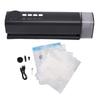
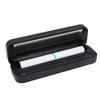
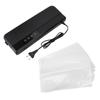
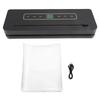
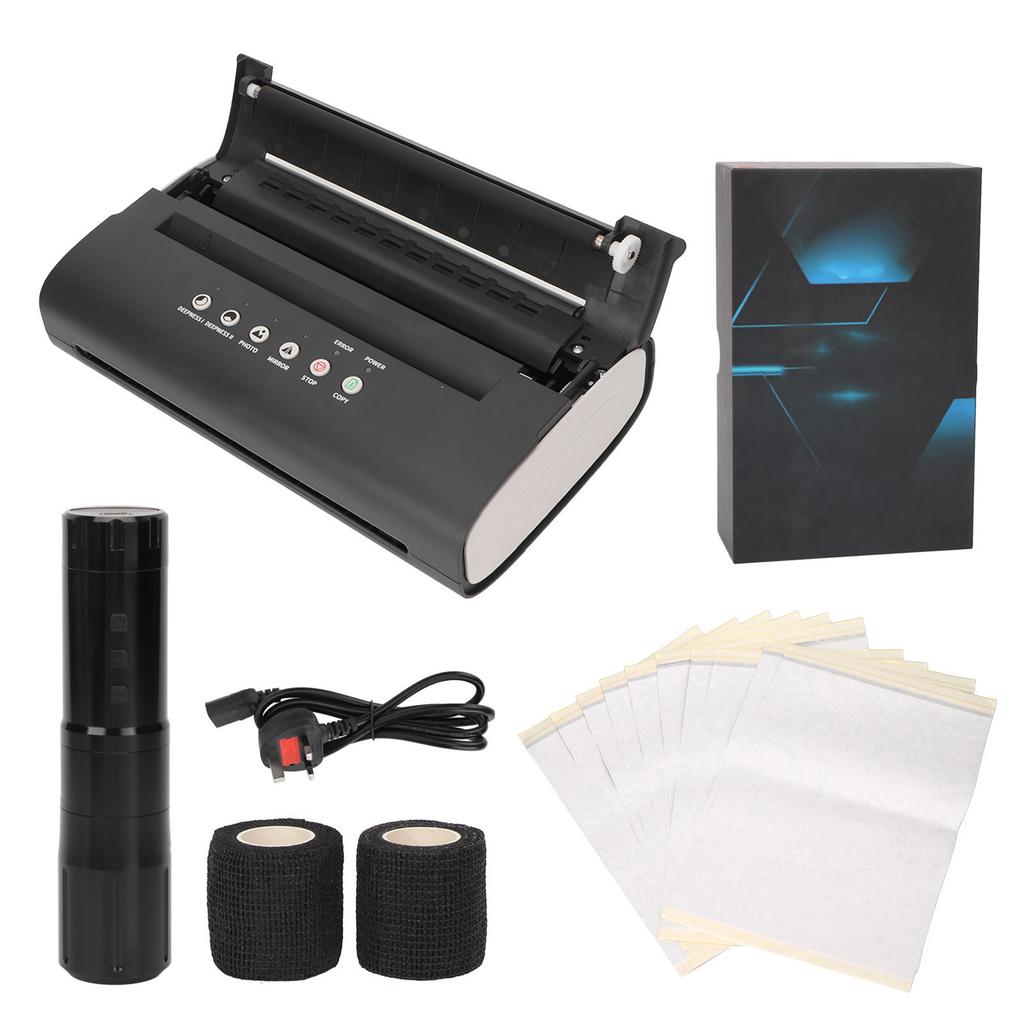
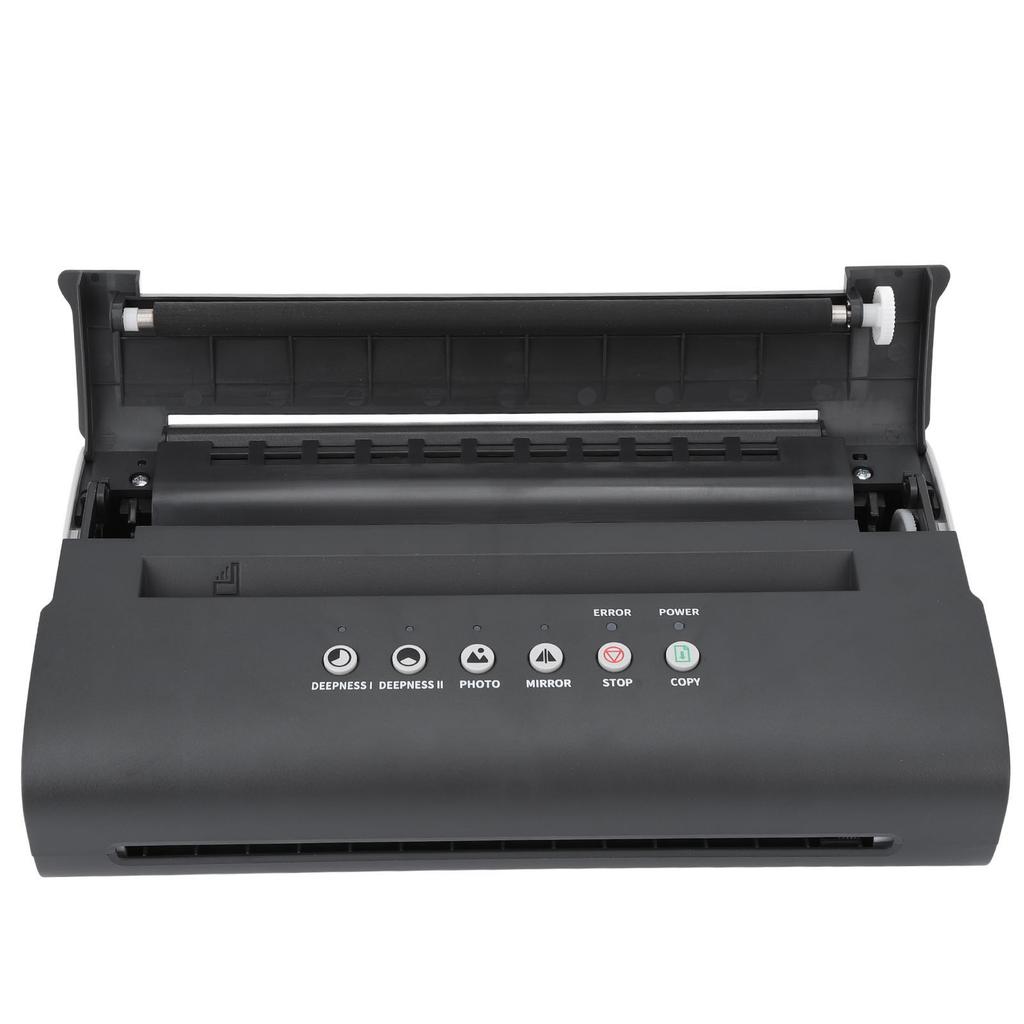
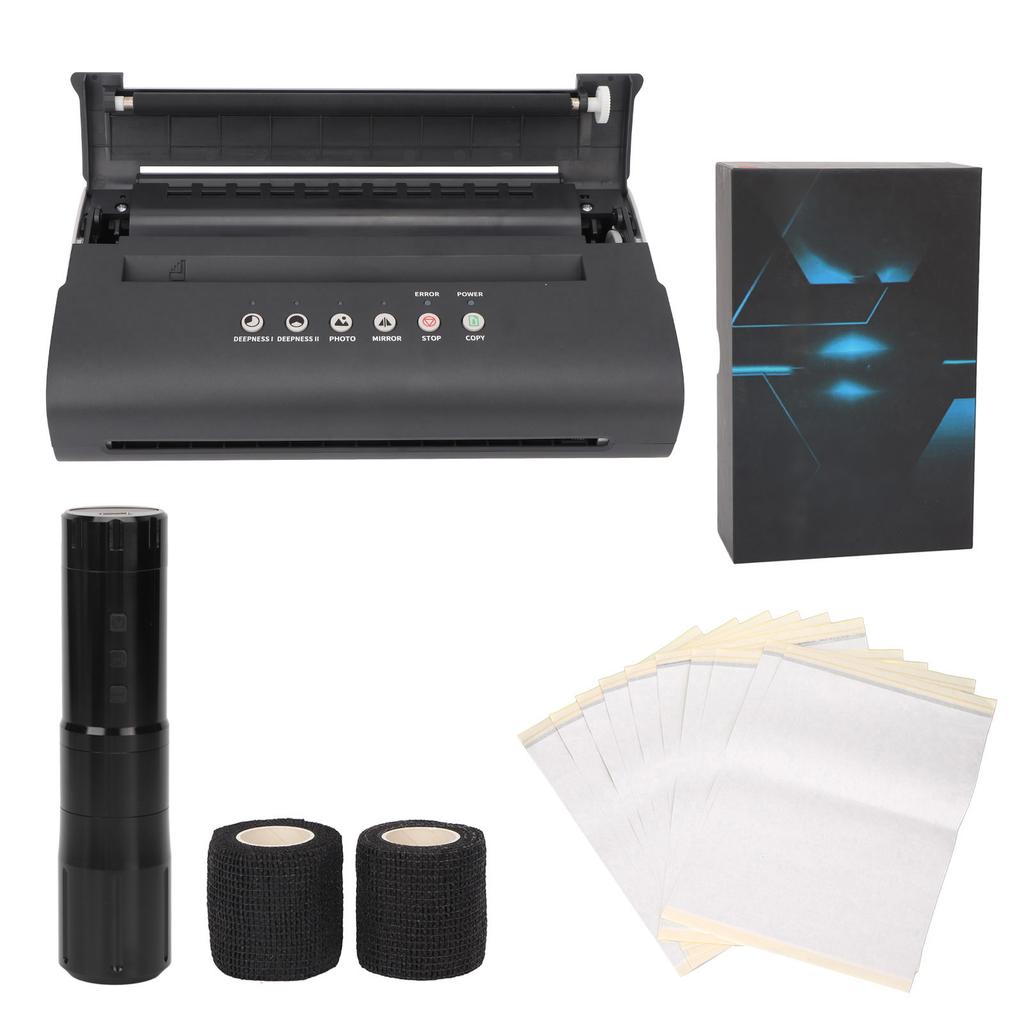
Feature: 1. Good Performance: Thermal tattoo stencil transper machine can provide fast transfer speed, clear transfer pattern, with high efficiency, low noise and stable performance. 2. Heat Dissipation: Tattoo transfer machine bottom designed with heat dissipation holes for cooling machine, does not need to replace parts and ink, without bulb or cylinder. 3. Simple Operation: Transfer copier cover is easy to open and close, effectively keeping the paper neat, just a few simple steps to copy the tattoo design on the paper, then copy the pattern onto skin. 4. Strong Motor: Rotary tattoo pen adopted coreless motor, 4.2‑12V can be adjusted, with strong power, low noise and stable needle frequency, which can effectively reduce skin damage. 5. Aluminium Alloy: Rotary tattoo machine made of aluminum alloy material, comfortable to grip and long time use without tired, built in 2400mAh lithium battery, charge for 2 hours and last for 4‑8 hours. Specification: Item Type: Thermal Tattoo Transfer Machine Pen Kit Material: ABS, aluminum alloy, electronic components Scan Mode: CIS Effective Scan Width: Approx. 210mm 8.27in Scanning Resolution: Horizontal: 8dotmm, Vertical: 7.7linemm Document Type: FINEPHOTO Document Size: A5 to A4 Document Thickness: 0.06mm-0.15mm Record Mode: TPH Effective Printing Width: Approx. 210mm 8.27in Power Consumption: Standby 5W Operating Temperature: 5 celsius ~35 celsius Relative Humidity: 20percent -80percent Transfer Machine Size: Approx. 293 x 171.5 x 72mm 11.54 x 6.75 x 2.83in Different key combinations of different transfer modes. Depending on the type of manuscript, you can set different key combinations on the panel, choose different transfer modes. Key Combination: PHOTO: Pure black fine line manuscript light off, pure black block manuscript light off, lighter gray manuscript light on, darker gray manuscript light on. DEEPNESS 1: Pure black fine line manuscript light off, pure black block manuscript light on, lighter gray manuscript light off, darker gray manuscript light on. DEEPNESS 11: Pure black fine line manuscript light on, pure black block manuscript light off, lighter gray manuscript light on, darker gray manuscript light off. Note: 1. In order to obtain better transfer effect, the machine should rest for several minutes after 1 to 2 sheets of paper are transferred. 2. In order to maintain the machine, please do not transfer it continuously. It is recommended to cool it after use. 3. Tattoo template machine is not suitable for complex tattoo shader patterns, can only display a single tattoo effect. It is recommended to transfer lines and simple patterns for best results. 2. Wireless Tattoo Pen Battery: Built In Lithium Battery 2400mAh Size: Approx. 134 x 33 x 33mm 5.28 x 1.3 x 1.3in Needle Stroke: 3mm 0.1in Suitable Needle: Most cartridge needles in the market Speed: 5V-5625rmp, 6V-6750rmp, 7V-7875rmp, 8V-9000rmp, 9V-10125rmp, 10V-11250rmp, 11V-12375rmp, 12V-13500rmp Wireless Power Supply Charger: 5V1A, 5V1.5A, 5V3A, do not use 9V1.5A, 9V2A, 12V1.5A, 12V2A and other fast chargers, in order to avoid damage to the battery. Wireless Charging Time: 2 hours, 4-8 hours (8V) on a full charge. 3. Tattoo Bandages Width: Approx. 5cm 1.97in Length: Approx. 1.8m 70.87in Use: Wrap tattoo pen to prevent slip. 4. Quadruple A4 Tattoo Transfer Paper Purpose: Transfer the tattoo pattern to the tattoo part, which is convenient for the tattoo artist to trace, and improves the work effect and accuracy of the tattoo artist. Characteristics: A4 quadruple transfer paper, dual use for transfer machine or hand drawing, with clear transfer and full lines. Size: Approx. 29 x 21cm 11.4 x 8.3in Quantity: 10pcs How To Use: Tattoo Transfer Copier 1. Panel Description: DEEPNESS I: The indicator lights up and the manuscript concentration is set to depth I at the same time as DEEPNESS II The button indicator light will go off. DEEPNESS II: The indicator lights up, the manuscript concentration is set to depth II, and DEEPNESS I The button indicator light will go off. PHOTO: Press this key to switch between picture and fine. If it is picture, the indicator will light up. MIRROR: Press this key to switch between mirror copy and ordinary copy. MIRROR is used by default, if it is a mirror copy, the light will be on. STOP: Stops the transfer. COPY: After inserting the manuscript, press this key to start transferring. POWER: Power indicator, the indicator light will be on after the machine is powered on. ERROR: Indicates the error indicator. The indicator is on when the thermal sensor overheats. 2. Adjust the scanning depth and transfer depth of the machine You can adjust the scan depth and print depth of the machine according to actual needs. The steps are as follows: (1) Long press the STOP button for 3 seconds, the machine drops a sound, and the indicators are all on. (2) Press STOP to adjust the scanning depth. Drop 1 is the deepest and beep 7 times is the shallowest. (3) Press COPY to adjust the transfer depth, drop 1 sound transfer the shallowest, beep 7 times is deepest. (4) Long press the STOP button for 3 seconds, the machine will beep, and the indicator light will recover, that is, the scanning and printing depth will be completed adjust. 3. How to calibrate the machine Machine in the brightness of the image sensor and thermal sensor on the surrounding environment and temperature are very sensitive, will change with the passage of time and natural, copy image and the original image color difference is bigger, please scan the calibration, operation steps are as follows: (1) press the "STOP" button for 3 seconds, can hear the "beep" sound to the machine, all the lights lit up. (2)Insert a flat PIECE of A4 paper into the paper feeder and press the "MIRROR" key to scan and calibrate. (3) Automatic paper feeding during the calibration process, and complete scanning calibration after spitting out a complete white paper. (4) Press the "STOP" button for 3 seconds, hear the machine "beep", all indicators return to normal, that is, the calibration is completed. 4. Usage (1) Power on and turn on the power switch. (4) Set the improved printing mode, press the start button to start the transfer. Wireless Tattoo Pen. Package List: 1 x Tattoo Transfer Machine1 x Plug1 x Manual10 x Transfer Paper1 x Wireless Tattoo Pen1 x USB Charging Cord2 x Large Tattoo Bandage Note: If the transfer effect is not good, tattoo transfer machine has no quality problem, but the quality of transfer paper is not good, it will directly lead to poor effect or wrinkled paper, paper stuck, to analyze whether the quality of transfer paper is qualified.