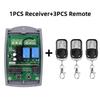
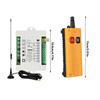
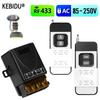
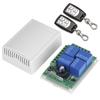
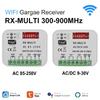
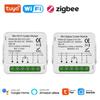
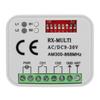
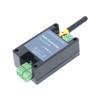
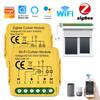
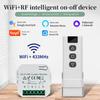
Feature:
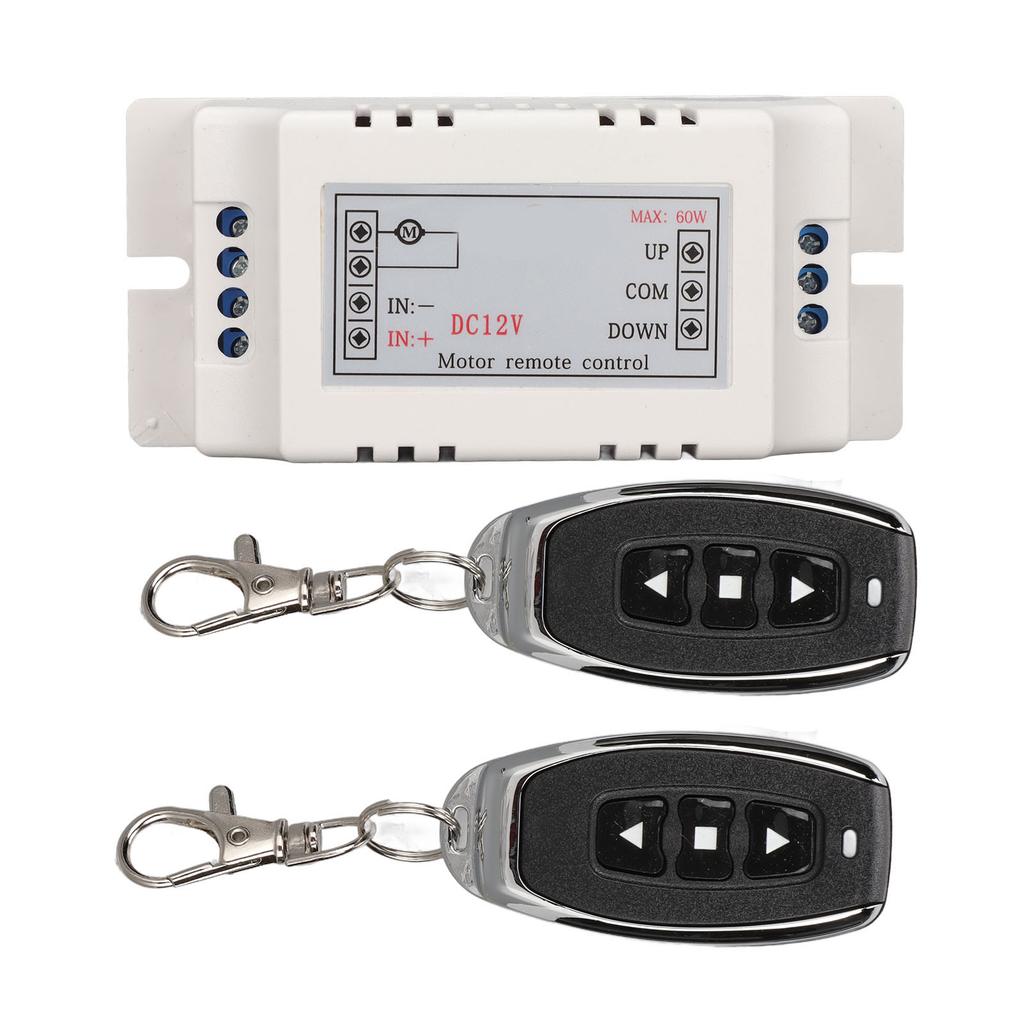
1. [Learning] Multi remote controls can be learned, and all buttons of each remote can be learned, one remote can control multiple switches, or multiple remote can control one switch.
2. [Working Mode] Wireless remote control switch, short connect welding pad to realize jog, interlocking or self locking working mode, you can choose resistance capacitance or power module for pressure reduction.
3. [Flexible Operation] RF relay switch, this controller can output dry contact signal and output live, which is convenient for customers to use, easy to operate and flexible to combine.
4. [Application Areas] Relay remote control switches are mainly used in lighting, electric doors, window, lifting equipment, elevator control and security industries.
5. [Stable And Sensitive] RF transmitter and receiver switch kit, 10A relay, resistive load less than 8A, inductive load less than 3A, stable working performance, sensitive receiving.
Specification:
Item Type: Relay Remote Control Switch
Material: ABS
Working Voltage: DC12V
Current: Standby less than 10mA, working less than 35mA
Working Temperature: -10 celsius -+60 celsius
Receiver Frequency: 433MHZ
Receive Sensitivity: -105dB
Maximum Load: 10A Relay, Resistive Load Less Than 8A, Inductive Load Less Than 3A
Remote Control Built in Button Battery: 4 x CR2016 (75mAh).
Package List:
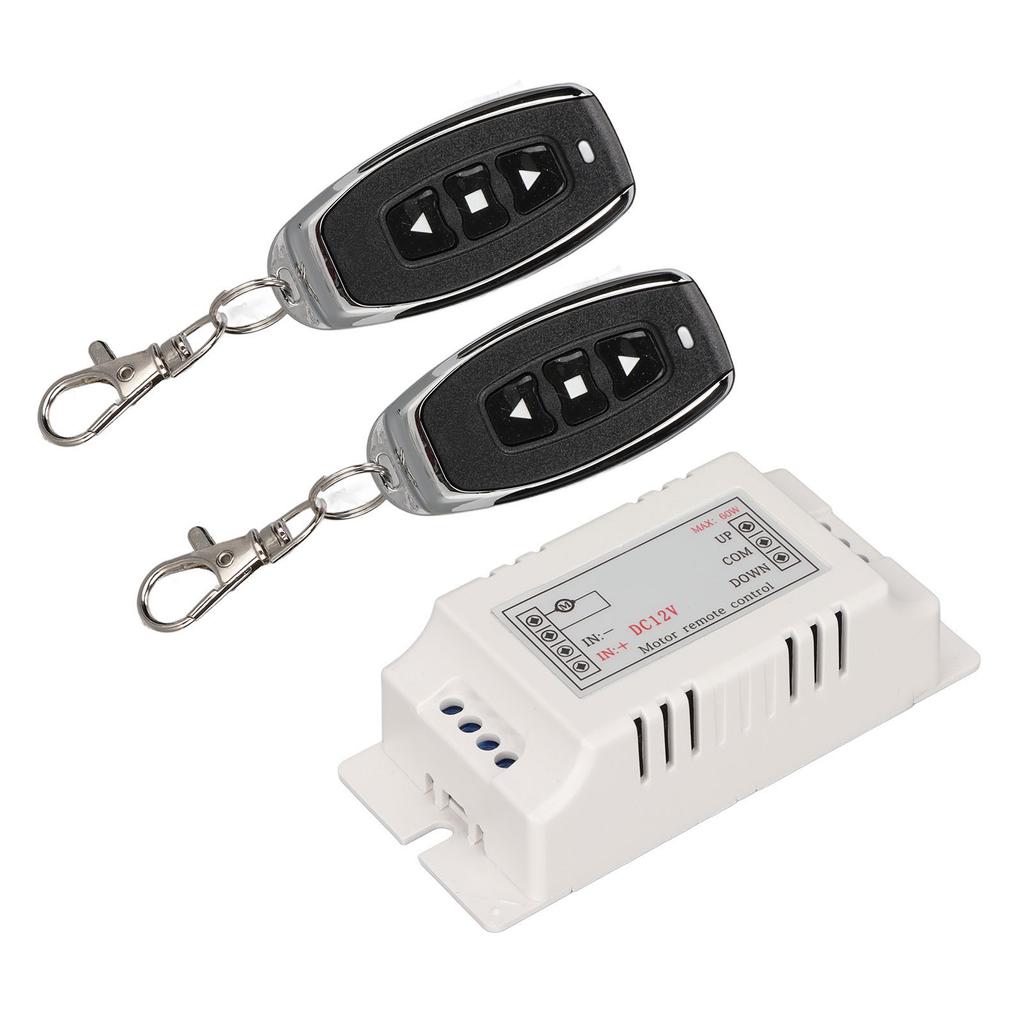
1 x Wireless Relay2 x Remote Control
Note:
Learn to code:1. Press the learning button on the receiver 1 time, the learning indicator lights up, then press the transmitter button 1 time (the first button is forward by default), the learning indicator flashes 3 times and lights up, indicating the first button learning success.2. Then press the transmitter button 1 time (the second button defaults to reverse), the learning indicator flashes 3 times and lights up, indicating that the second button is successfully learned.3. Then press the transmitter button to stop once (the third button is stopped by default), the learning indicator flashes 3 times and lights up, indicating that the third button is successfully learned.4. Press the transmitter stop button once again, the learning indicator flashes 3 times and goes out, indicating that all buttons are successfully learned. Press the learning button on the receiver for 5s, the learning indicator flashes 3 times and turns off, indicating that all transmitter codes in the receiver have been cleared.




 Επιστροφή χρημάτων λόγω μη παράδοσης