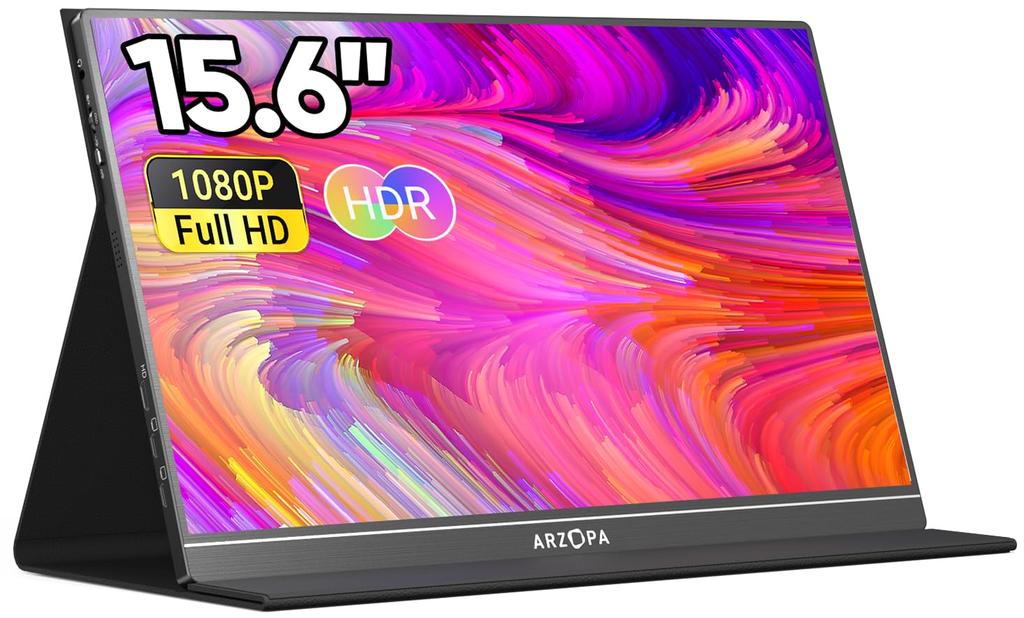
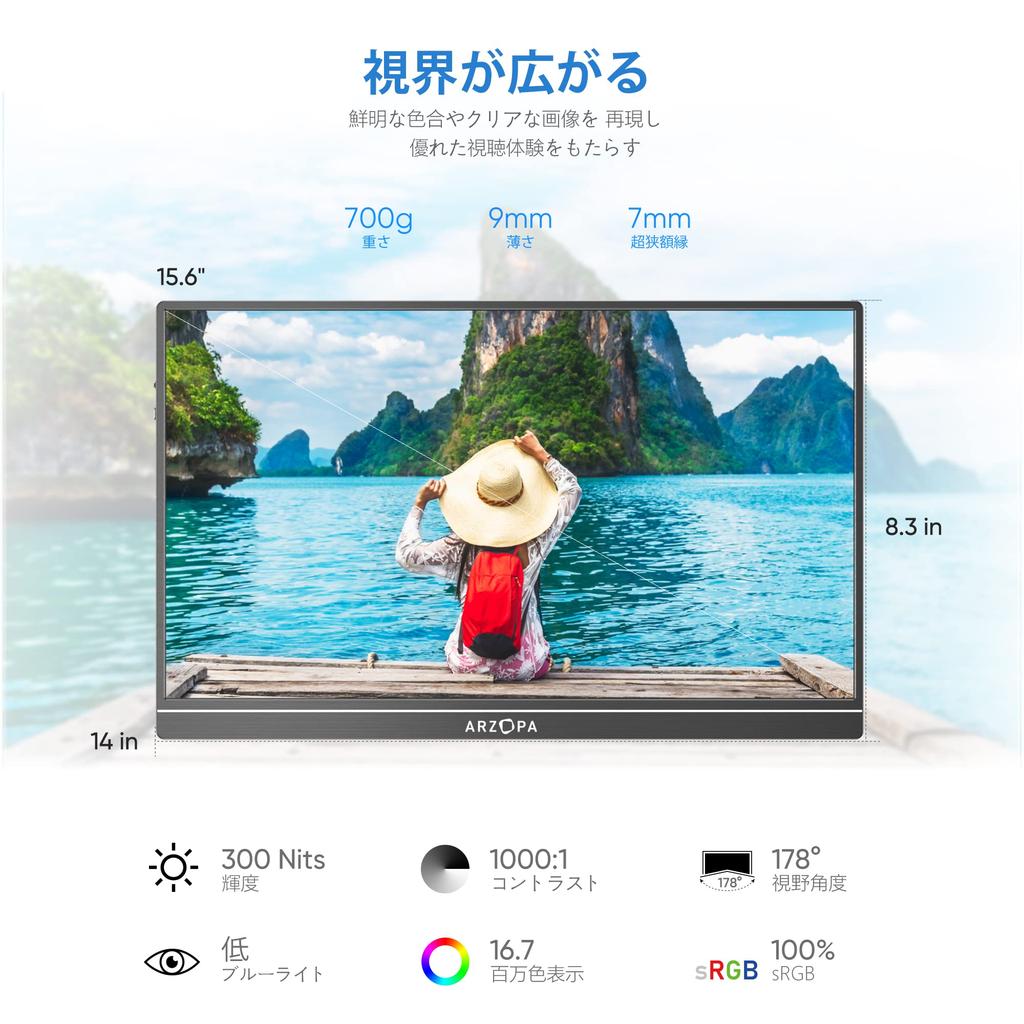
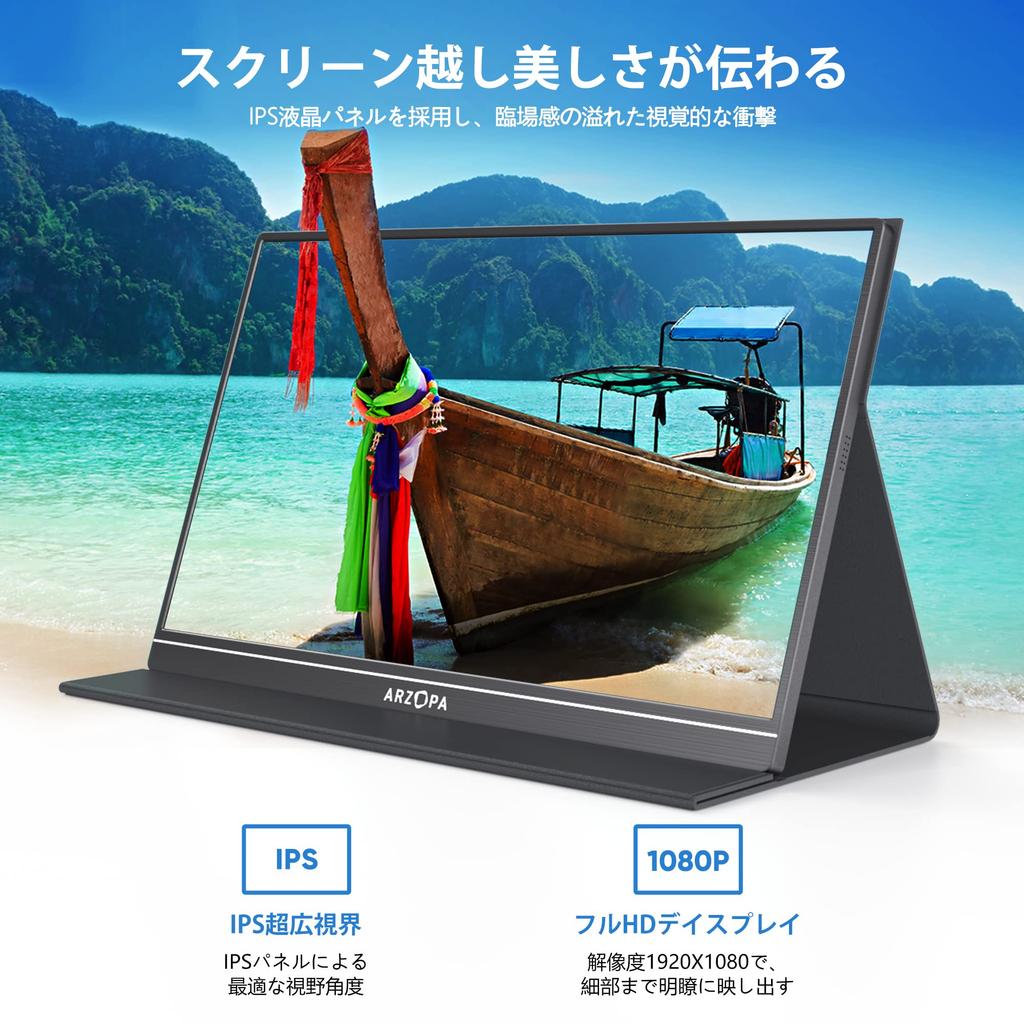
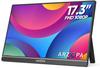
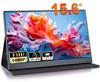
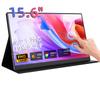
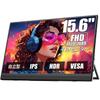
[FHD Picture Quality & Anti-Glare IPS Panel] The ARZOPA mobile monitor features a 15.6-inch LCD panel for a flawless visual experience. The wide 178° viewing angle ensures stable brightness for clear images and videos. It also features superior blue light blocking technology and viewing angle stability to protect your eyes and ensure consistent image quality from various angles. The mobile monitor also supports Full HD, allowing you to enjoy high-quality images at any time. It's the perfect companion for work and gaming.
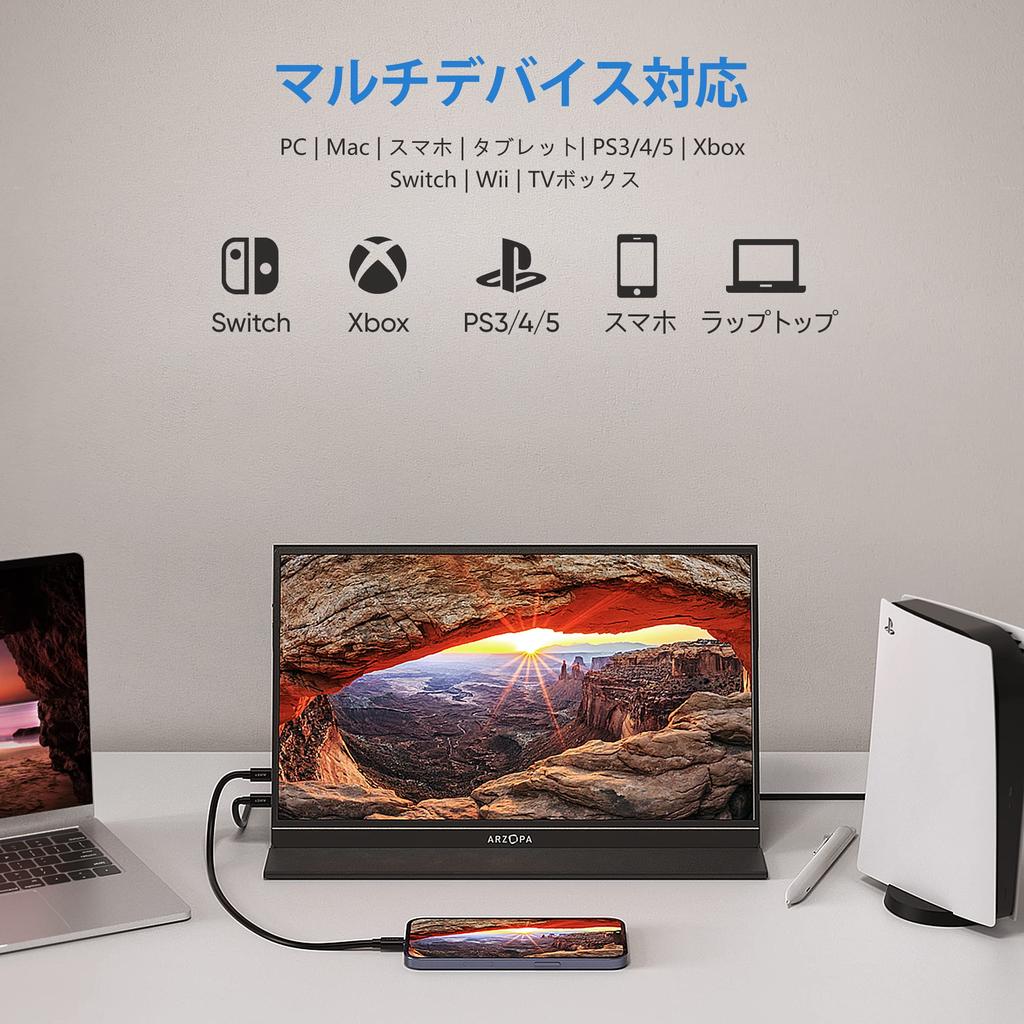
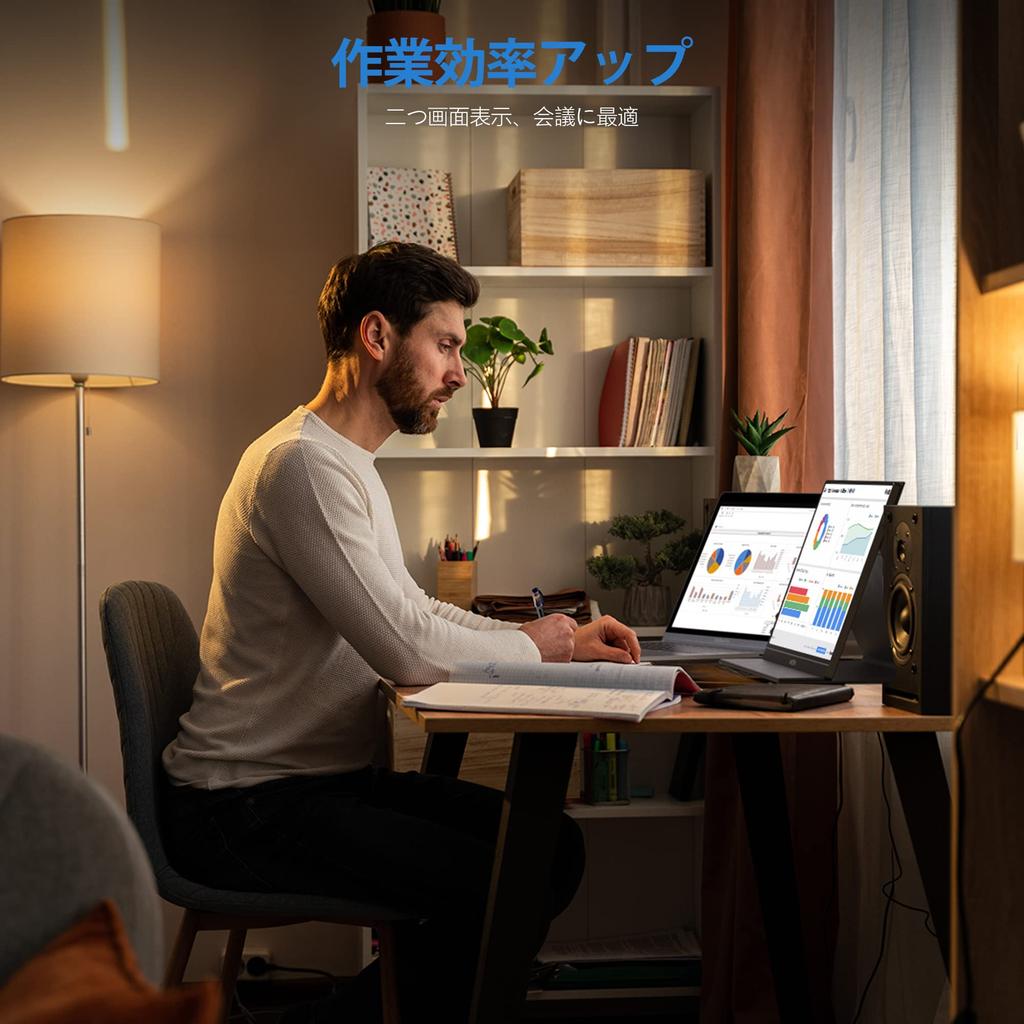
[Second Monitor & Compatible with a Wide Range of Devices] The ARZOPA portable monitor functions extremely well as a second monitor, improving work efficiency and allowing you to perform multiple tasks simultaneously. The monitor is equipped with a variety of ports, making it compatible with a wide range of devices, including laptops, smartphones, and Switches. Additionally, you can connect devices such as Surface, Mac, iPhone, and Fire TV Stick series using a conversion adapter. The aluminum alloy CNC process ensures a good balance of durability and weight.
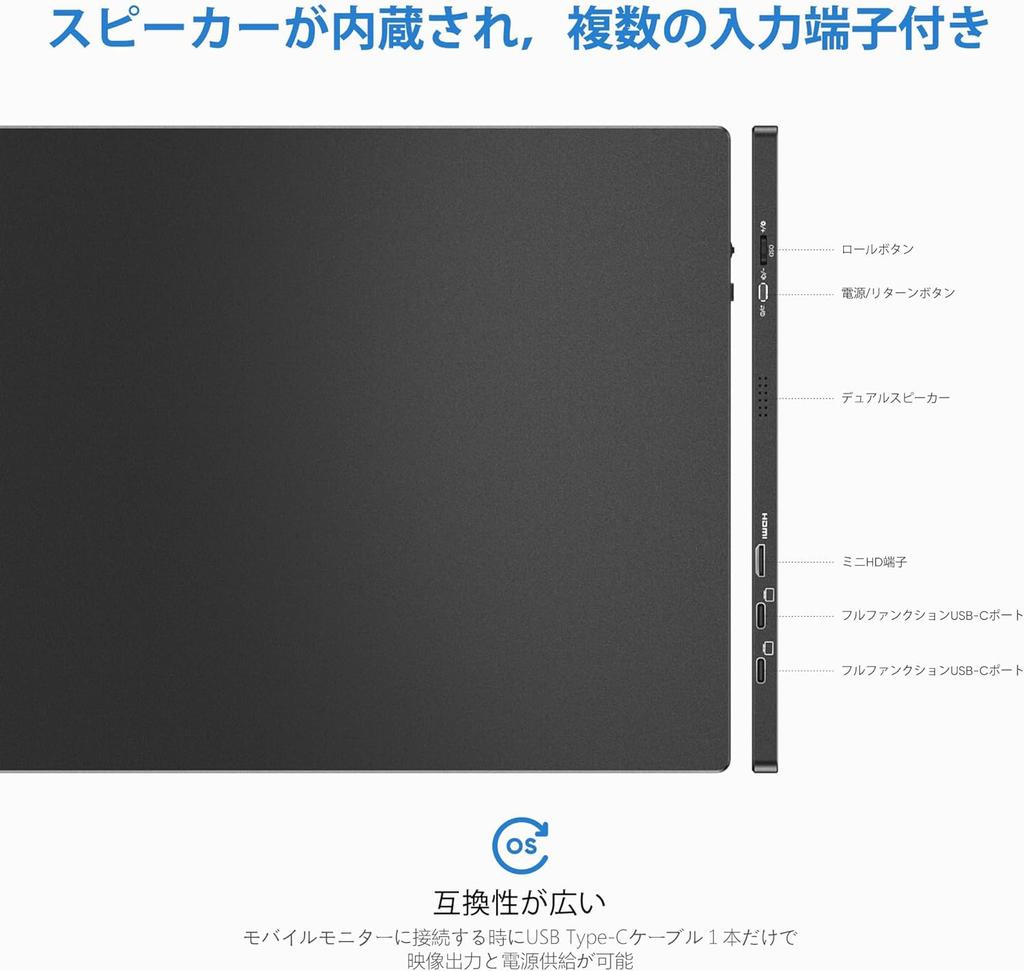
[Video Output and Power with a Single Cable] With a variety of input ports, including mini HDMI and two Type-C ports, you can connect to the ARZOPA 15.6-inch monitor with a full-featured Type-C port. A single USB Type-C cable provides video output and power, and also powers compatible devices such as PCs and smartphones. The easy connection allows you to enjoy YouTube, games, and videos anytime, anywhere, and is also useful for business web conferences and presentations.
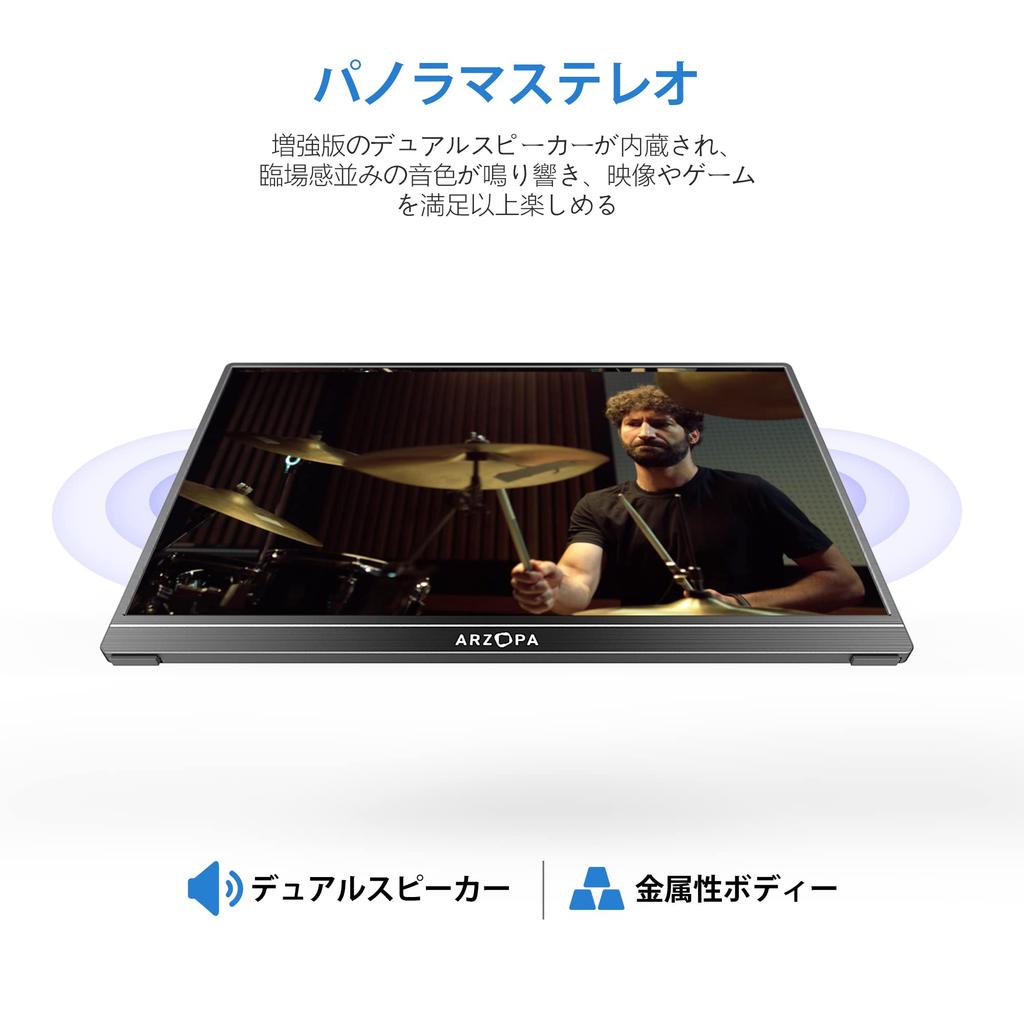
Convenient 3-in-1 Display Mode & Built-in Speakers: The ARZOPA mobile display monitor can be used as a secondary monitor for devices like PCs and smartphones, with multi-display, extended, and duplicate modes, making it easy to connect in either landscape or portrait mode. When used as a secondary monitor, you'll eliminate the need to constantly flip through pages! With just this one monitor, you can increase your work efficiency even when working from home or on the go! (Note: Smartphones and other devices cannot be displayed vertically.) The monitor also features built-in speakers, providing a superior streaming, gaming, and video experience compared to other products.
[Lightweight Portable Protective Cover & Heartfelt Service] The ARZOPA portable monitor features an ultra-thin bezel design, measuring just 7mm at its thinnest point and weighing approximately 700g! This lightweight and slim 15.6-inch portable display is easy to carry and ideal for work or presentations on the go. The non-slip protective cover protects the mobile monitor from dust and scratches, and can be folded to use as a stand. 🌈ARZOPA comes with a 36-month warranty. If you have any questions about using the product or if there is a defect within the warranty period, please feel free to contact us through your order history. We will do our best to provide warranty service.
How to Use Connecting to a Computer 1. Make sure the monitor and computer are turned off before connecting the cables. 2. Attach a power supply cable (Type-C or Type-C to USB) and a compatible signal cable (miniHDMI to HDMI or Type-C) to the monitor. Attach a cable (HDMI, Type-C) to the computer. *For Type-C, use a cable that supports the USB3.1 protocol. 3. Turn on the power to the monitor and computer. ●Connecting via Type-C This product supports Type-C cable connections. Screen extension or duplication is possible. *When adjusting brightness and volume to 80% or higher, it is recommended to connect to an external power source of 5V/2A or more. ●Connecting to a Smartphone via Type-C *You can connect to a smartphone using a Type-C cable. Depending on the smartphone settings, the smartphone screen and user interface can be displayed. If an external power source is not available,
If not, the display will be powered by the mobile phone (power saving mode will be enabled, the display brightness will be automatically adjusted to 30%, and the user will be able to adjust the display brightness and volume). When an external power supply is connected, the display will charge the mobile phone via the external power supply. (Use an external power supply of 12W or more to ensure that the display and mobile phone receive sufficient current.) *When adjusting the brightness and volume to 80% or more, it is recommended to connect to an external power supply of 5V/2A or more. 4 External power supply of 5V/2A or more ●Connecting to a computer via miniHDMI to HDMI External power supply (USB) This product is equipped with a miniHDMI port. Connect the miniHDMI on this product to the HDMI port on the computer. Also, connect with a Type-C to USB cable for power supply. For computers without a USB port, you will need to connect to an external power supply of 5V/2A or more. ●Connecting to other devices External power supply (USB) Note: When connecting an HDMI cable, be sure to connect the power
Please connect the cable before connecting the HDMI cable to ensure proper signal transmission.