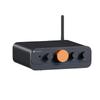
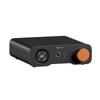
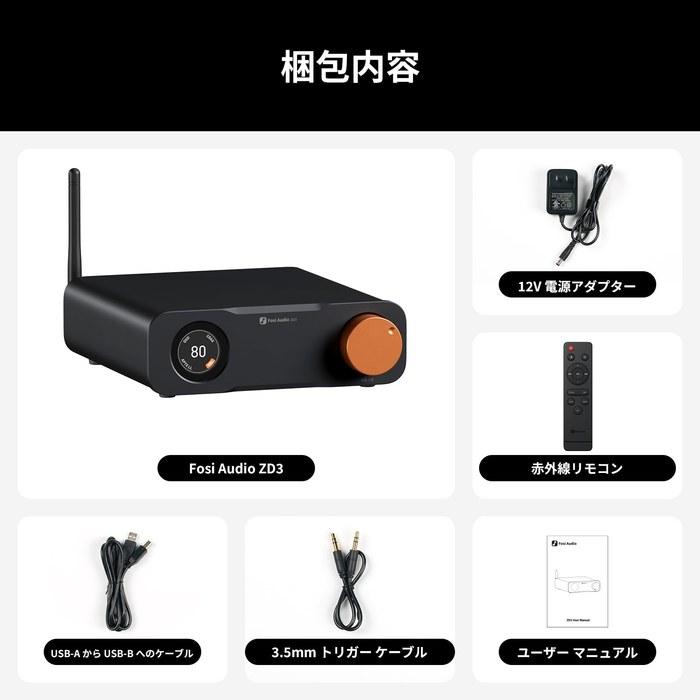
Fosi Audio ZD3 Desktop DAC Preamplifier – Fully Balanced Digital-to-Analog Audio Converter with ES9038Q2M Chip for Home Stereo Amplifier, featuring Bluetooth/USB/Optical/Coaxial/TV HDMI ARC Input, XLR/RCA Output, and Remote Control. Includes Japanese Instruction Manual.
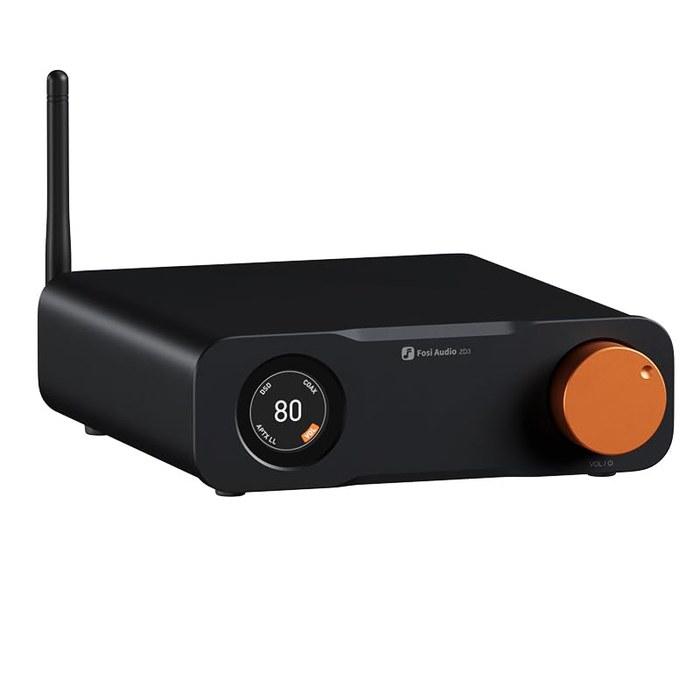
・【Flagship Desktop DAC】 This is a fully balanced digital-to-analog converter preamplifier with multiple inputs and outputs. It’s the first [Fosi Audio] DAC to support HDMI ARC input, equipped with a high-performance ES9039Q2M chip to deliver rich and exceptional sound quality.
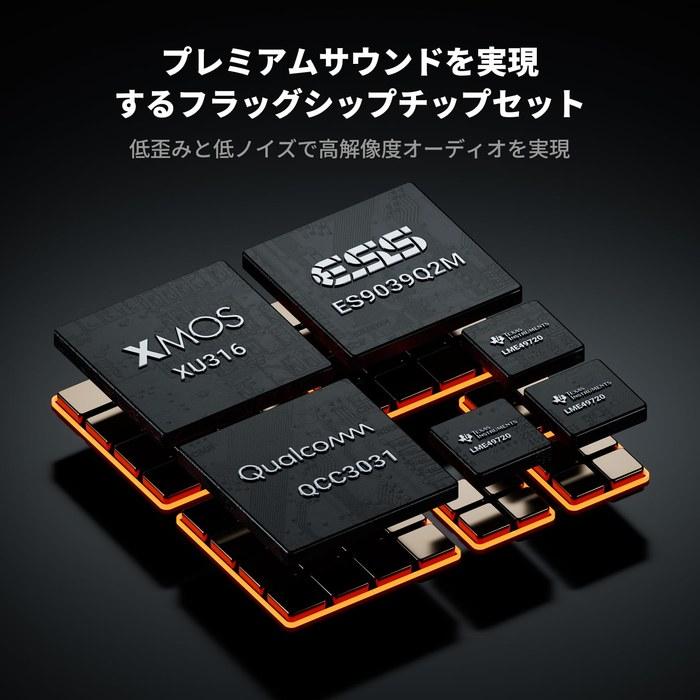
・【Premium Chipset】 The ZD3 is built around a chipset consisting of XMOS XU316 + ES9039Q2M + QCC3031 + LME49720. It supports high audio resolutions up to DSD512 and PCM 32bit/768kHz sampling rates, providing unparalleled clarity and depth.
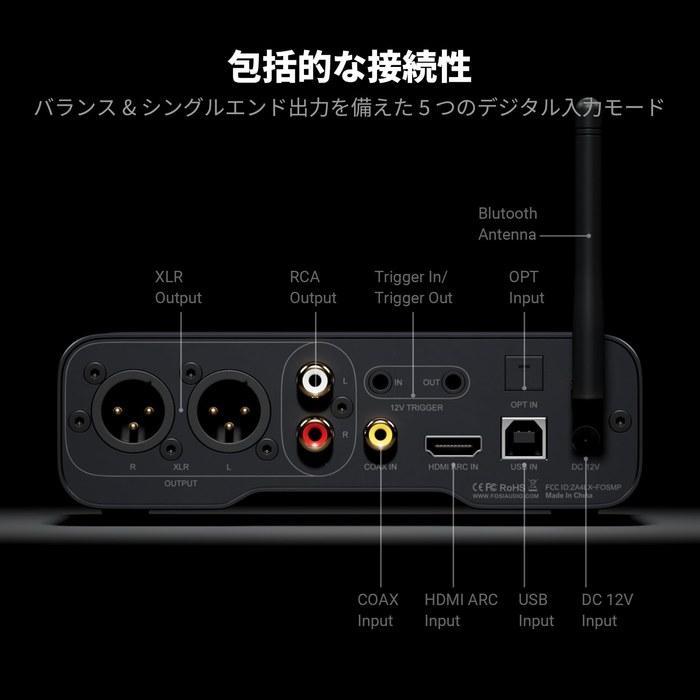
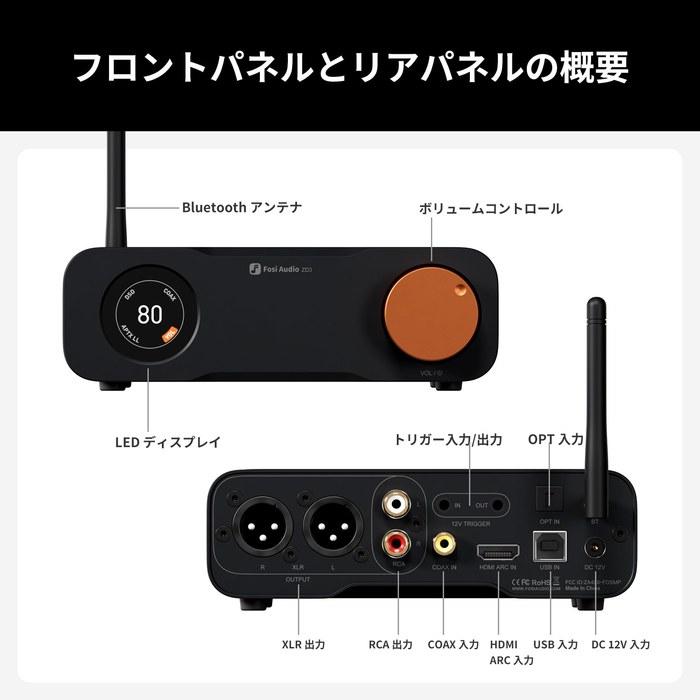
・【Versatility and Flexibility】 The ZD3 offers comprehensive connectivity, supporting inputs such as Bluetooth, USB, OPT, COAX, HDMI ARC, and balanced XLR/RCA outputs. This flexibility allows you to customize your audio system to suit a variety of setups and scenarios.
・【Ease of Use】 The ZD3 features a 1.5-inch OLED display, a remote control, a preamplifier bypass switch, and 12V trigger input/output interfaces, allowing it to synchronize power on/off with other home audio devices – all for an exceptional user experience.
・【Family Design】 Featuring the same design language as the ZA3 amplifier, it boasts a compact and exquisite appearance, along with audio-grade components that deliver high performance and outstanding sound quality. It can be paired with the ZA3 to build a robust home audio system.
・What should I do if the sound is distorted? ① Connect your Bluetooth device directly within 5 meters and turn off strong signal devices nearby (such as microwave ovens and wireless routers). ② We recommend using audio formats compatible with the device (compatible formats such as MP3/AAC are recommended). ③ Do not increase the volume of the device and the sound source simultaneously. It is recommended to keep the device volume at around 50%-70% and adjust the volume mainly on the sound source side (such as a mobile phone).
・What should I do if there is a clicking and popping sound when starting up and switching songs? ① After startup, wait 3-5 seconds before operating and adjust the volume slowly (with an interval of 1 second or more). ② Re-insert the speaker cables and confirm the correct polarity (red+ black-) to avoid shorts caused by exposed cables. ③ It may be caused by accidentally touching the device’s “Quick Standby” or “Direct Mode.” We recommend resetting it to default standby mode using the remote control or the buttons on the unit.
・Why does the device turn on automatically after being turned off? ① We recommend turning off functions such as “HDMI control” and “Network Wake-up” and maintaining only manual power-on mode. ② We recommend using a separate power outlet to avoid sharing the same line with high-power devices. Ensure the power cord and socket are properly connected. ③ Check that the remote control buttons are not being pressed by foreign objects.
【Voltage Compatibility】
When using electrical appliances, please note that they are designed for Japanese voltage specifications (90-110V), so if you use them with a different voltage, it may cause a malfunction.
【Plug Type】
Our products use Japanese plug types (A or B type).
Please use a conversion adapter if necessary.
【Important Note on Transformers and Adapters】
A transformer adjusts voltage to match your device's requirements.
A conversion adapter only changes the plug shape and does not adjust voltage.
Using only a conversion adapter without a transformer may result in damage to the product.
【Liability】
We are not responsible for malfunctions or damages caused by improper use, such as operating the product without a transformer.




 Επιστροφή χρημάτων λόγω μη παράδοσης