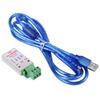
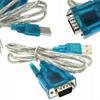
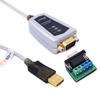
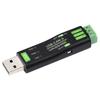
Extended Features:
1. Automatic response to received data. If you want to receive the received ID, you can automatically reply with the data set in the sending ID.
2. Instead of setting a filter ID or masking ID, you can directly set the desired ID and directly input the ID to receive for direct configuration.
Specifications:
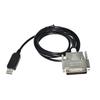
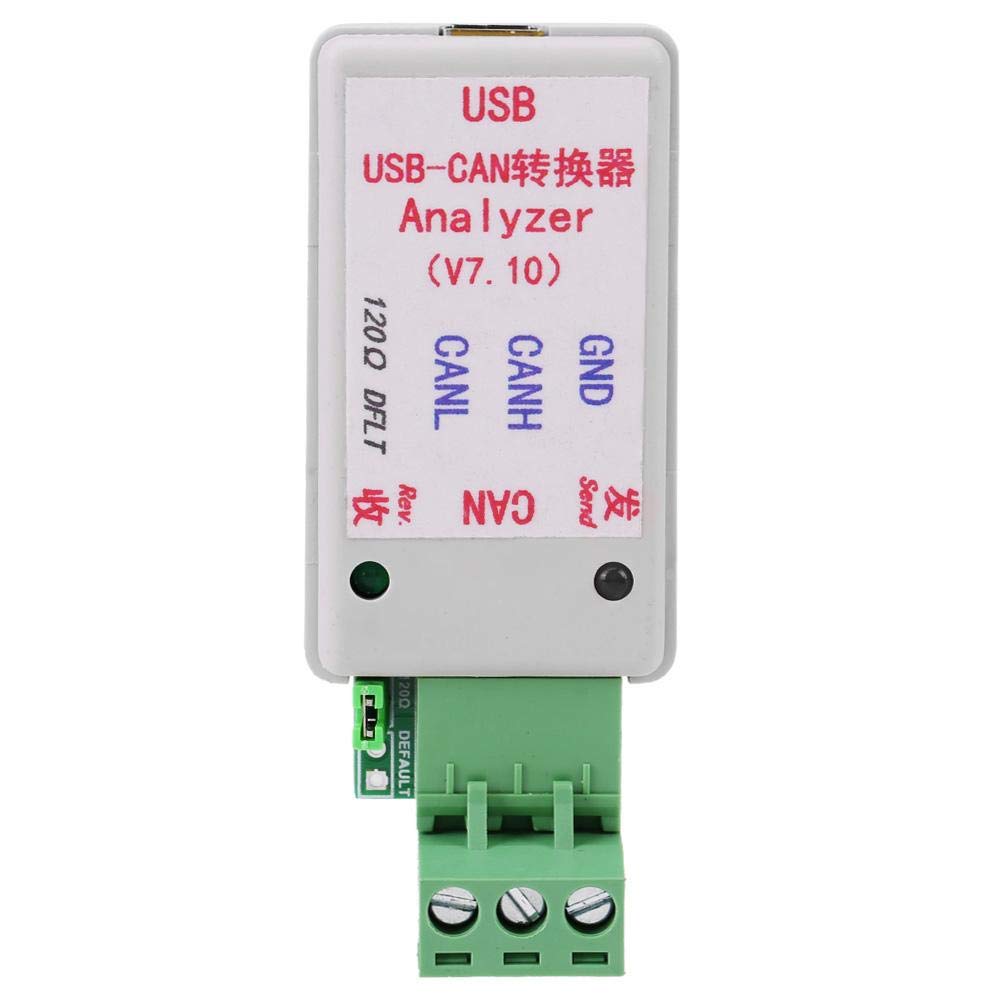
Type: USB-CAN7
Scope of Application: All kinds of CAN bus transmission devices
Supported Systems: XP and above systems, support WiN7/WIN8 32-bit/64-bit)
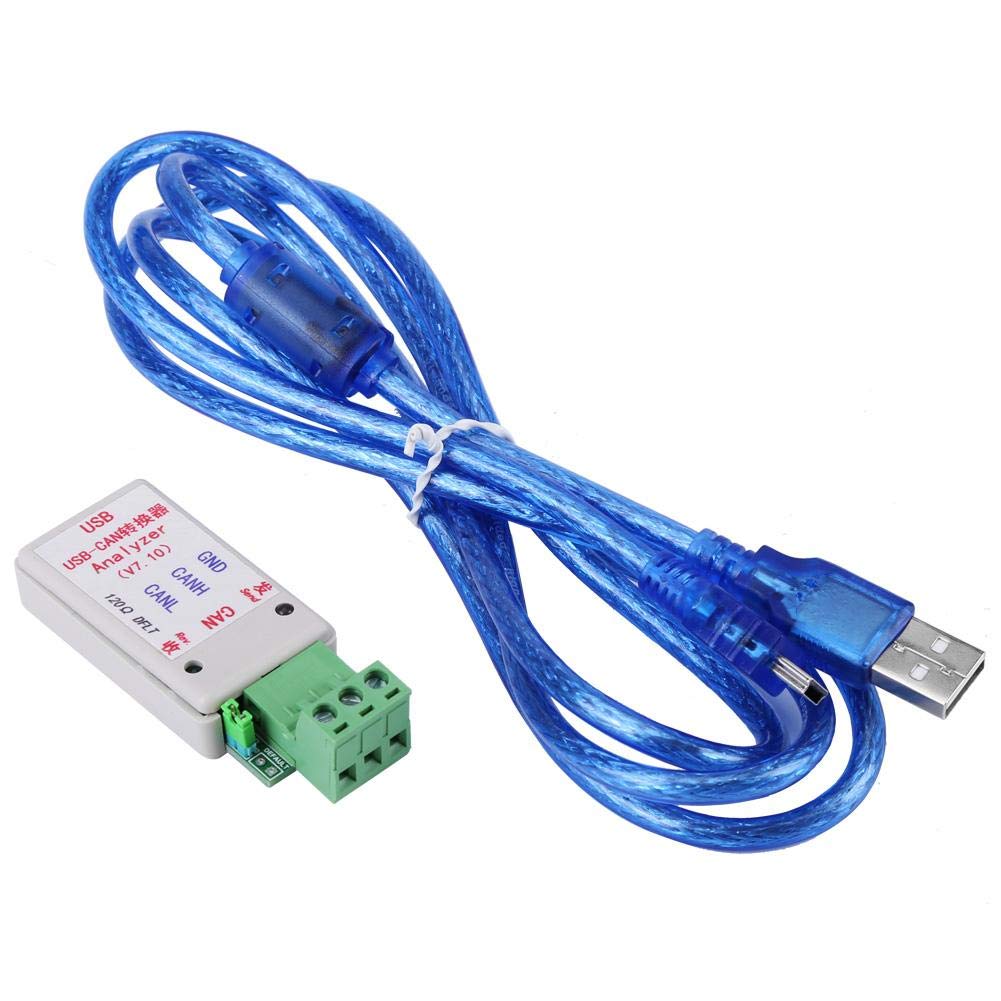
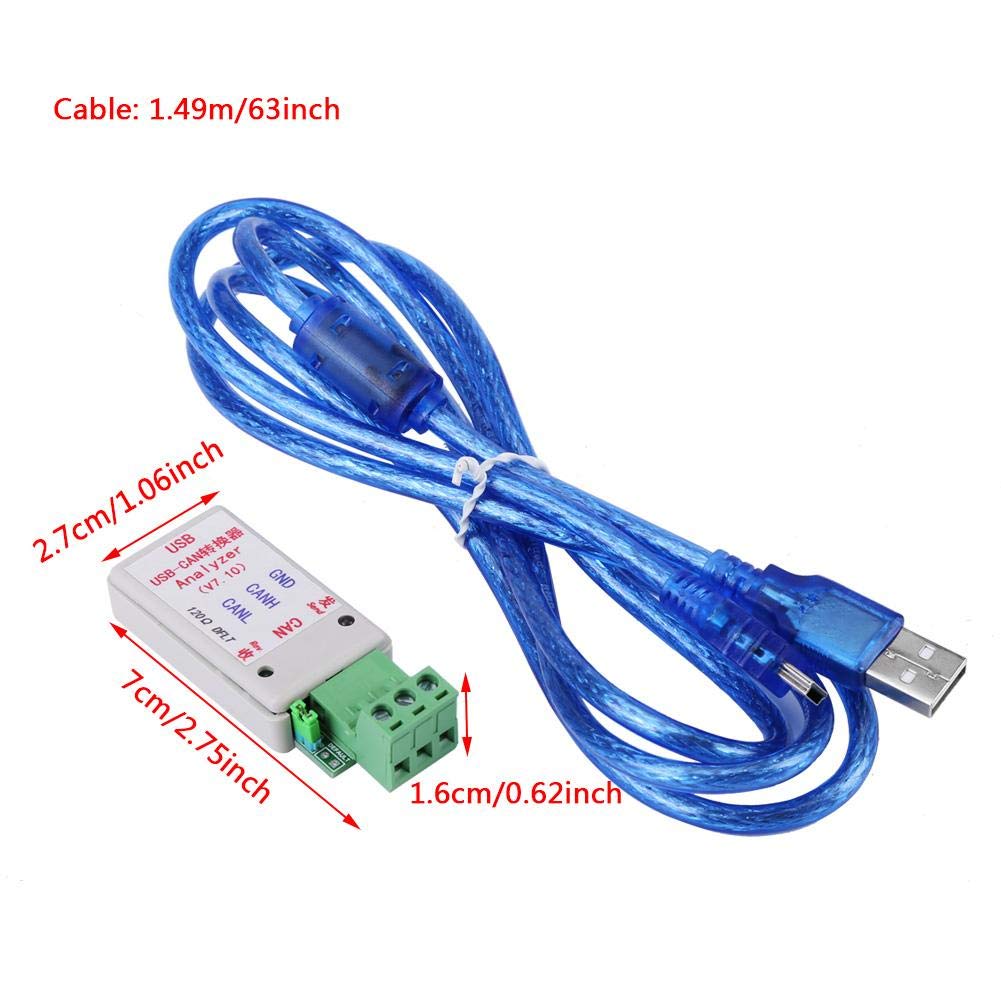
Adapter Size: 7 x 2.7 x 1.6cm/2.76 x 1.06 x 0.63 inches
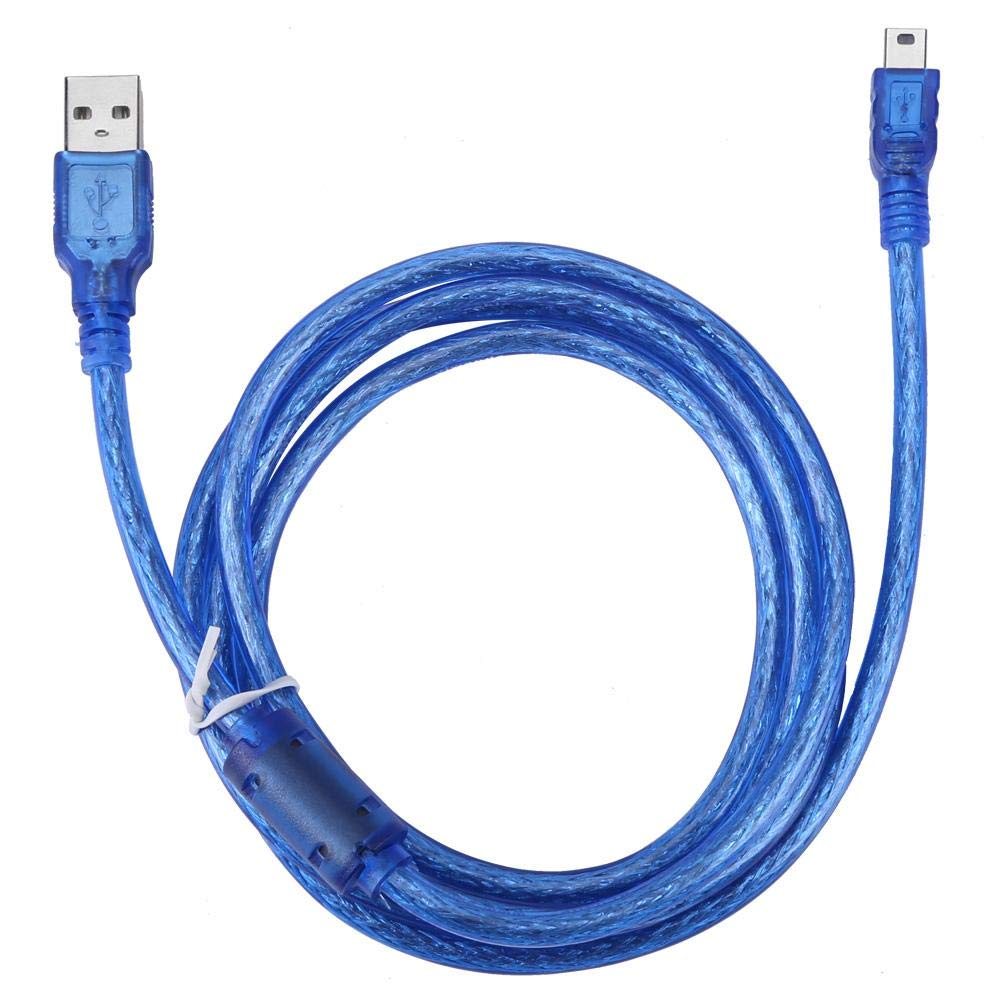
Cable: 1.49m/63 inches
Weight: 82g
Package Includes:
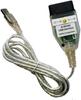
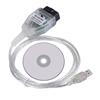
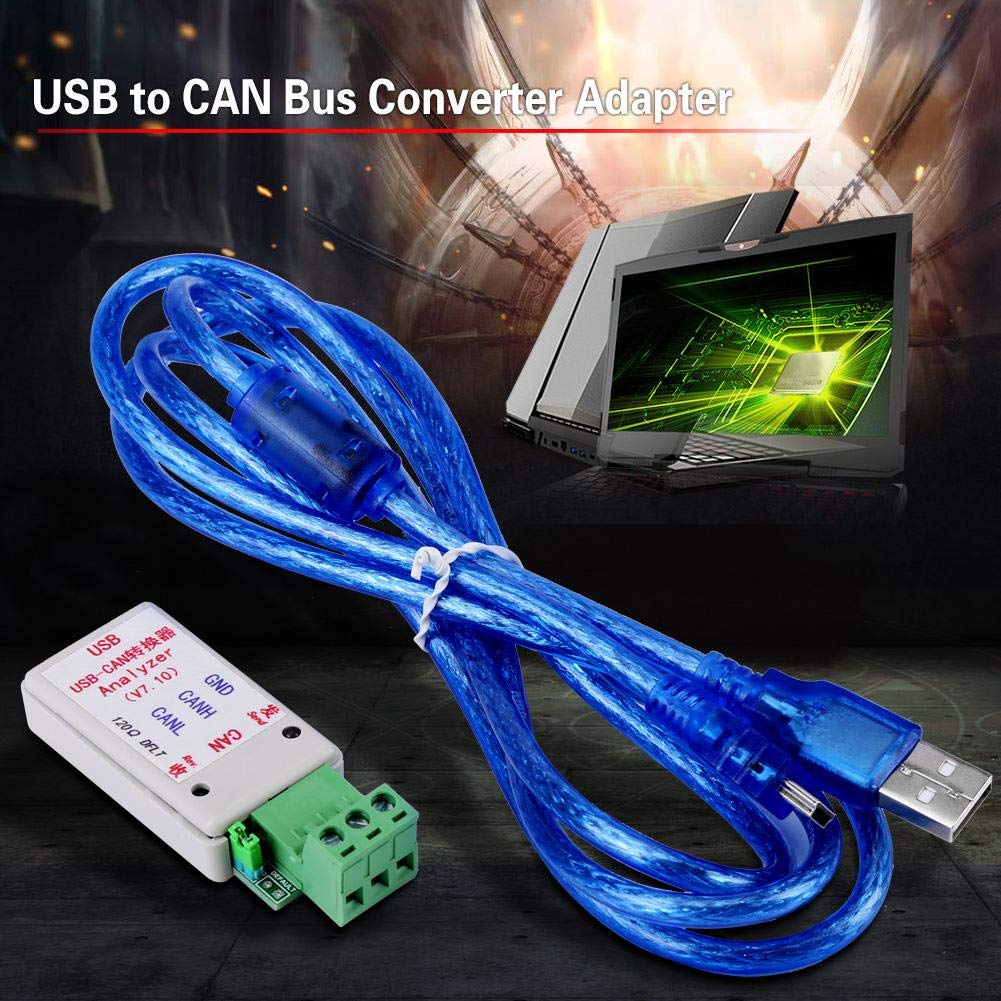
1 x USB to CAN Bus Converter
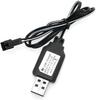
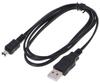
1 x USB Cable
Note:
The latest upgrade of this converter is V7.0, which is the default V7.0 converter. The default communication speed of previous versions of the converter was 1.2288M, while V7.0 is upgraded to 2M and the baud rate can be changed to 1.2288. Communicates with M and previous versions of the software.
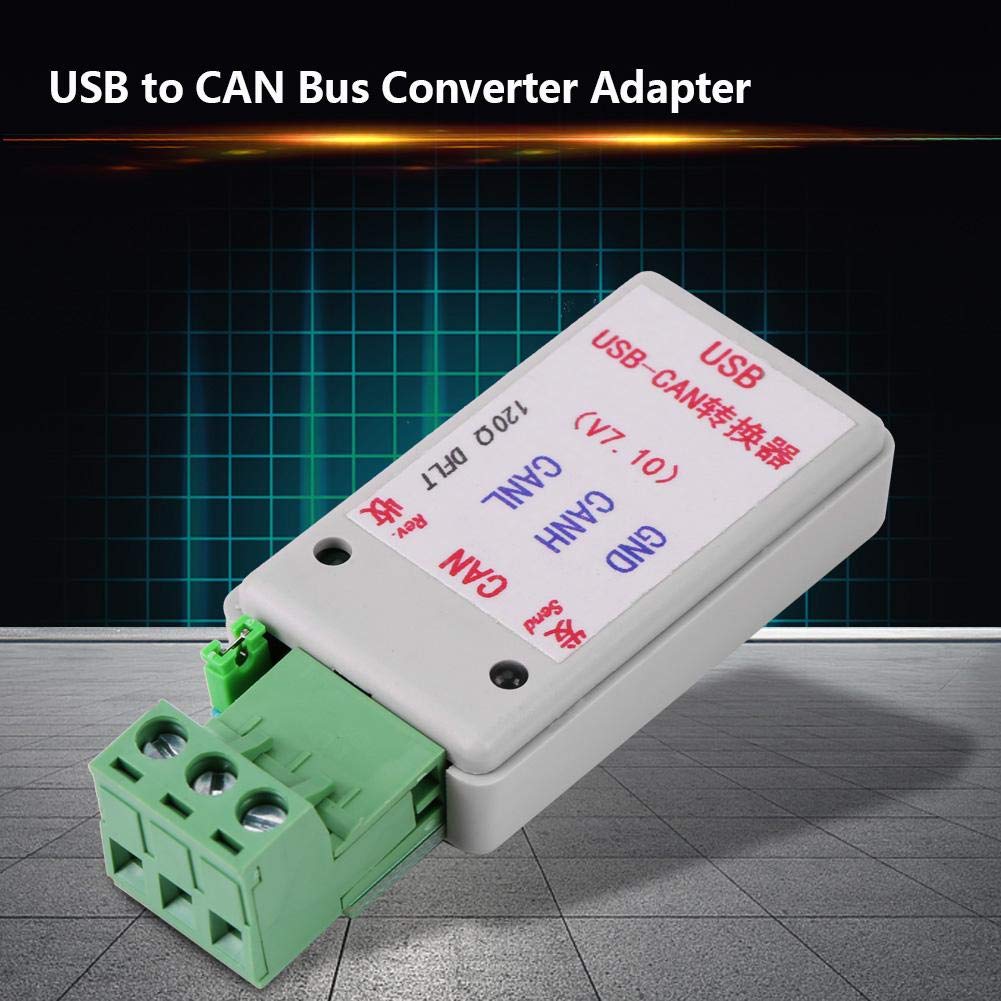
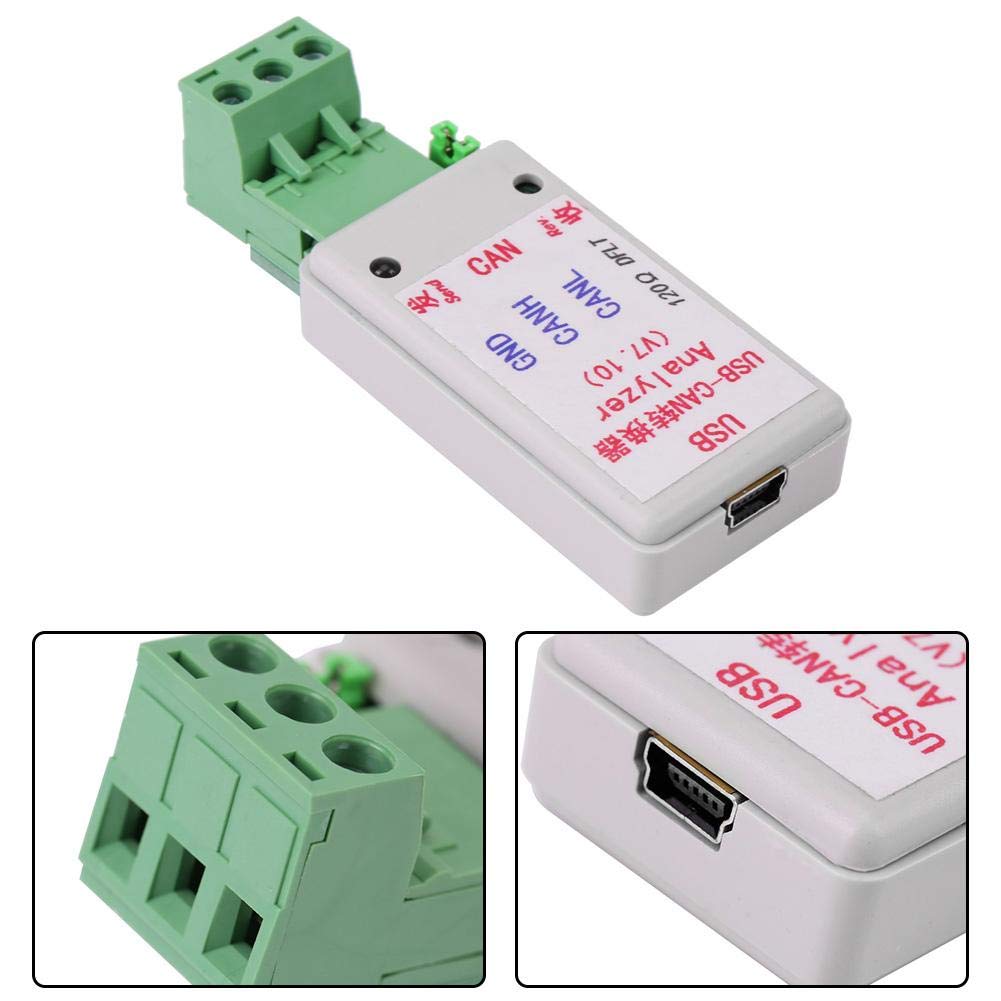
【Hardware】The USB to CAN bus converter is compatible with all kinds of CAN bus transmission devices. TVS surge protection is added to the hardware. Includes a 120 ohm matched resistor. Comes with a data cable with a magnetic ring shield. CAN analyzer.
【Software】Supports CAN2.0A (standard frame) and CAN2.0B (extended frame). CAN communication baud rate range (5K to 1M), customizable CAN baud rate. Supported systems: XP and above, supports WiN7/WIN8 32-bit/64-bit). Data display with CAN time show for sending and receiving. Received data can be displayed sequentially or updated.
【Four Operating Modes】Normal mode is mainly used for direct communication with CAN devices. Loopback mode can be used for self-testing the converter. In this mode, the converter automatically sends and receives data, and can also send data to the CAN bus. Silent mode can be used to monitor CAN bus data without affecting CAN bus communication. Loopback silent mode is typically used for thermal testing of CAN converters.
【Advanced Features】Transmitted and received data can be saved in TXT text format or Excel format. Settings are automatically saved and can be used directly next time. Secondary development is very simple, only requiring the handling of a single transmit/receive command. Enhanced transparent transport function. The software interface can be switched between English and Chinese.
【Other Features】Transmitted data can be sent in single frames or multiple frames, manually, periodically, or in a loop, which is convenient for debugging. The status of the CAN bus can be manually displayed. The baud rate of the virtual COM port can also be changed, and since the default communication baud rate exceeds 1M, there is no need to worry about conversion efficiency.


 Επιστροφή χρημάτων λόγω μη παράδοσης